
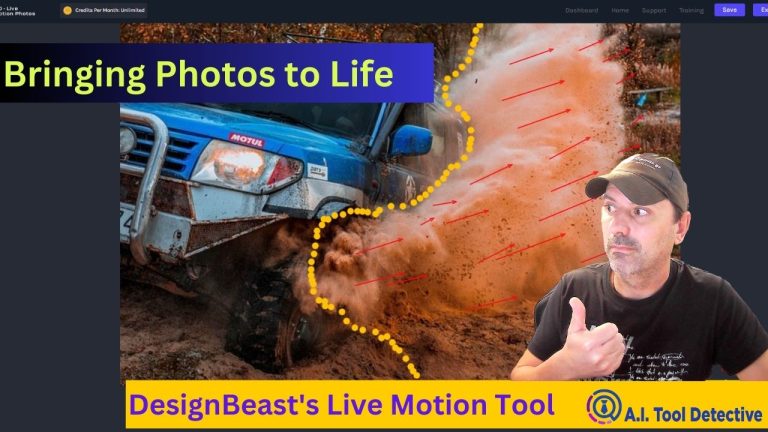
Bringing Photos to Life With DesignBeast’s Live Motion Tool

photos to live tool

This page may contain affiliate links. If you purchase through these links, I may earn a commission at no extra cost to you.

🕒 1 minute 21 seconds | 👁️ 2020 Total Reads | 👤 2012 visits | 📊 100%

When I first heard about DesignBeast’s new Live Motion Photos app, I was intrigued but skeptical. Could a single tool really transform basic photos into dynamic videos with animated effects? I decided to test it out for myself.

The app works by importing any static image and applying different motion effects using an intuitive drag-and-drop interface. There are dozens of effect options to choose from like snowfall, floating bubbles, rotating hearts – you name it. Layering multiple effects at once is also seamlessly supported.

Where this tool truly shines is how easy it is to use, even for someone with no design or video editing experience like myself. I followed along with one of DesignBeast’s tutorial videos to create my first “living photo” in just a few minutes. The video walked me through adding things like falling leaves, moving clouds and sparkles to a scenic landscape photo.

Within seconds of pressing play, my once-static image came to life in a truly captivating way. Subtle movements like drifting snow or swirling particle effects gave the impression that the scene was unfolding in real-time. It was hard to believe this was just a standard photo I took on my phone!

DesignBeast really spares no attention to detail. From how individual elements like leaves or snowflakes animate to seamless looping, the motions all feel natural and immersive. You can also slow down, speed up or even reverse effects as desired. It’s a very intuitive tool for spontaneity and experimentation.

To the following video I show you how you can animate any picture in seconds.

Picture of Konstantinos Almpanidis

Konstantinos Almpanidis

Konstantinos is a digital marketer, web developer, hosting provider, and AI tools reviewer with hands-on experience in WordPress, online business tools, automation platforms, and website performance. Through AI Tool Detective, he tests and reviews digital tools from a practical user’s perspective, focusing on real usability, value for money, features, limitations, and business potential.

His goal is to help readers save time, avoid poor software choices, and discover tools that can genuinely improve their websites, marketing, productivity, and online income journey. Every review is written with a clear focus on practical use, honest observations, and helpful guidance for beginners, creators, freelancers, and small business owners.

Featured Placements

About Me

I’m a multi-faceted freelancer with a knack for evaluating and reviewing apps and AI tools. With a passion for technology and a critical eye, I specialize in assessing the functionality, usability, and overall performance of a wide range of applications and artificial intelligence solutions.

Recent Posts

A.I. Tools Filter & Tags

Follow Me On Facebook

Newsletter Form (Mail For New Posts)

Subscribe to our newsletter

Sign up in the newsletter form below to receive the latest news and promotions from my blog


I respect your privacy and will never spam. You can opt-out any time you wish to. 

Enter your email address and click the button
below to setup your account now:

Subscription Form (MLGS MyLeadsGen)
small_c_popup.png

Subscribe to our newsletters

Stay Tuned And Learn First About New A.I. Tools, Marketing Tips And Updates

Subscription Form Footer And PopUP

I will send you an update to your mailbox once a new post is added to my blog. You can always opt-out by unsubscribing.

Want 3,000+ fresh leads/month delivered to you and a simple system to email them daily? Find out how MLGS works in minutes ==>