Why I Decided to Test WordPress.com Again in 2026
As someone who has been building websites for years, managing l'hébergement servers, developing WordPress websites, and helping businesses establish their online presence, I wanted to see how WordPress.com compares in 2026.
Most reviews online simply repeat information from sales pages. I wanted to go beyond that.
Instead of relying on marketing material, I created a brand-new WordPress.com website, upgraded it to the Personal plan, explored every section of the platform, reviewed the available plans, tested the themes marketplace, examined the plugin options, and documented my findings.
This review is based entirely on my own experience using the platform.
Creating My Test Website
Getting started was surprisingly simple.
After creating my account, WordPress.com guided me through the process of creating a new website. Within minutes, I had a working website online and accessible through a WordPress.com subdomain.
One thing that stood out immediately was how beginner-friendly the setup process felt. Unlike self-hosted WordPress installations where users need to purchase l'hébergement, configure DNS, install WordPress, and handle security updates, WordPress.com removes most of that complexity.
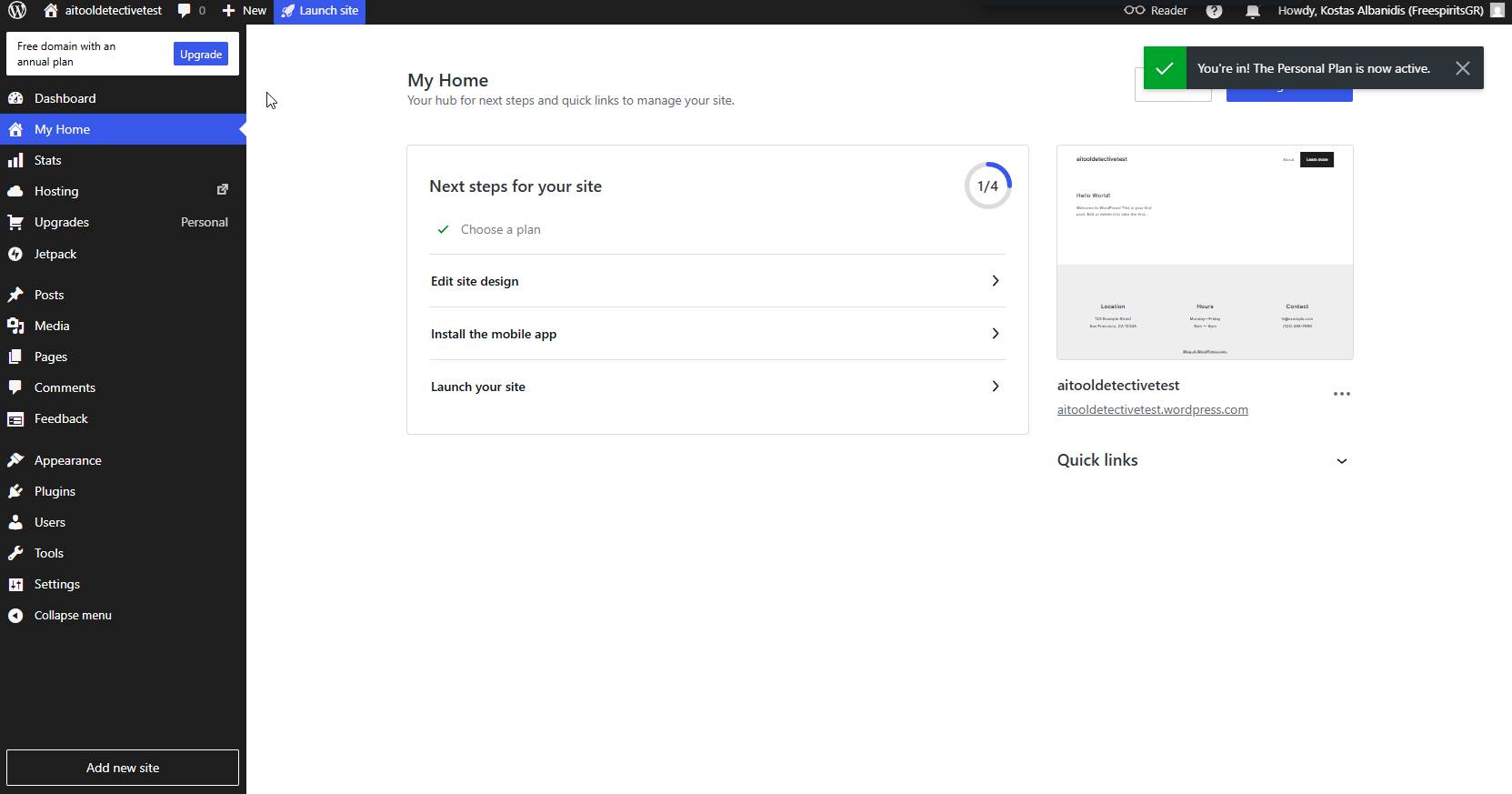
The platform provides a step-by-step onboarding experience designed to help new users launch quickly.
For beginners, this is a significant advantage.
Comprendre la WordPress.com Plans
One of the first things I wanted to investigate was pricing.
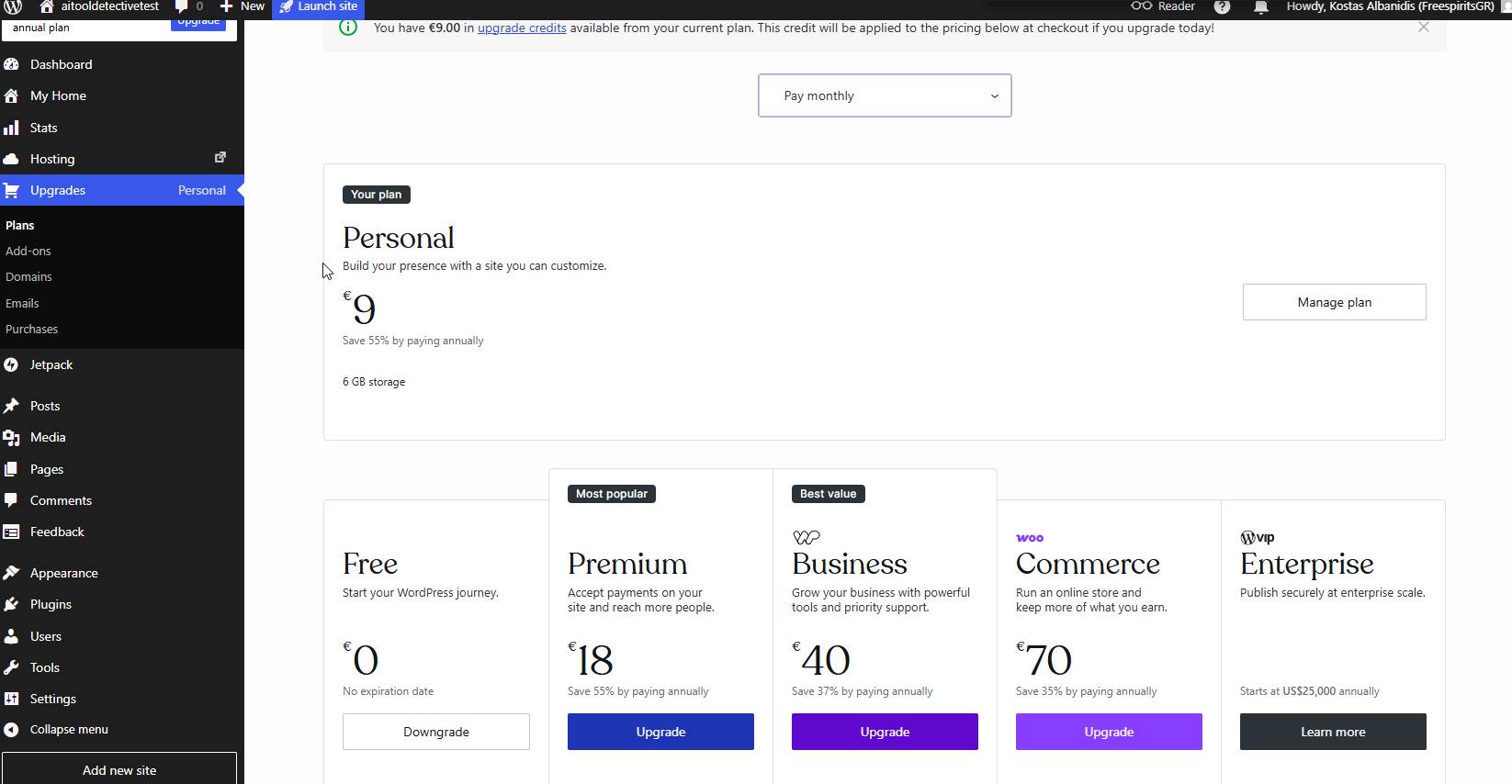
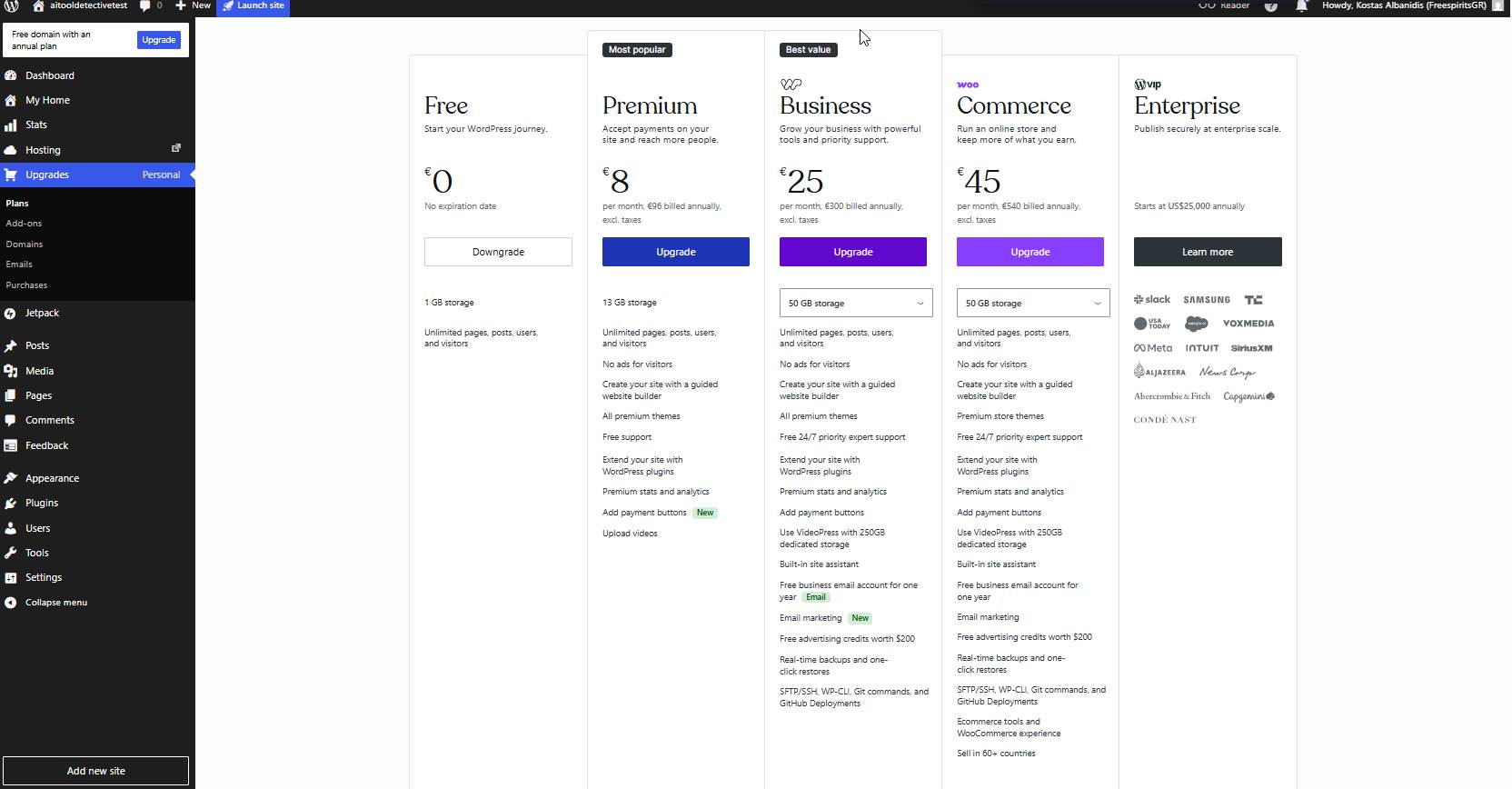
WordPress.com currently offers six plans:
- Gratuit
- Personal
- Premium
- Entreprises
- Commerce
- Entreprise
I spent time reviewing each package and comparing the available billing options.
Plan gratuit
The Free plan allows anyone to start a website without spending money.
Included features:
- WordPress.com subdomain
- 1 GB storage
- Unlimited pages
- Unlimited visitors
However, there are important limitations.
The biggest drawback I noticed is that WordPress.com displays advertisements to your visitors.
For hobby projects, this may not matter.
For businesses, personal brands, coaches, consultants, or professional bloggers, these ads can make a website appear less professional.
My verdict:
The Free plan is useful for testing the platform, but serious users will likely want to upgrade.
Personal Plan
I upgraded to the Personal plan during my testing.
What I found interesting was the significant discount offered for longer billing periods.
Monthly:
$9/month
Annual:
$4/month
Additional discounts are available for longer commitments.
The Personal plan includes:
- Custom domain support
- Ad-free website
- Increased storage
- Access to premium support
For personal websites and bloggers, this plan offers good value.
Premium Plan
The Premium plan targets content creators who want more design flexibility.
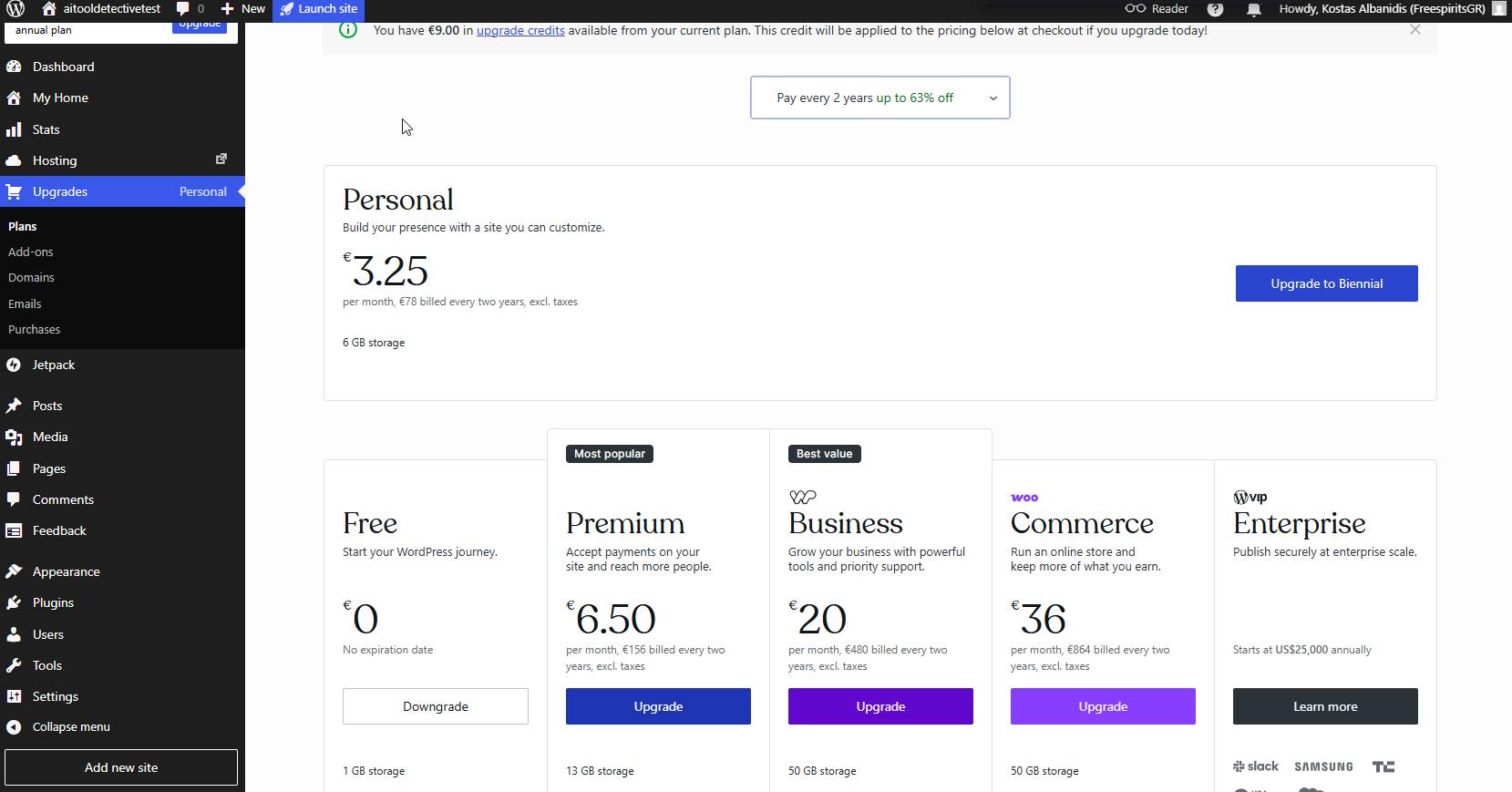
Notable benefits include:
- More storage
- Premium themes
- Additional customization
- Monetization options
This plan is ideal for creators who want a more polished website without hiring a developer.
Business Plan
C'est ici que WordPress.com becomes significantly more powerful.
Business plan features include:
- Plugin installation
- SFTP access
- SSH access
- GitHub deployments
- Real-time backups
As a developer, this was the first plan that started feeling closer to a traditional self-hosted WordPress setup.
Commerce Plan
The Commerce plan is designed for ecommerce businesses.
Les caractéristiques comprennent
- WooCommerce support
- Ecommerce tools
- Store functionality
- Premium support
This package is clearly aimed at businesses selling products or services online.
Exploring the Dashboard
After upgrading, I spent time exploring every area of the dashboard.
The interface is modern, clean, and easy to navigate.
The learning curve is relatively small compared to traditional l'hébergement control panels.
Sites Management
The Sites section provides an overview of your websites.
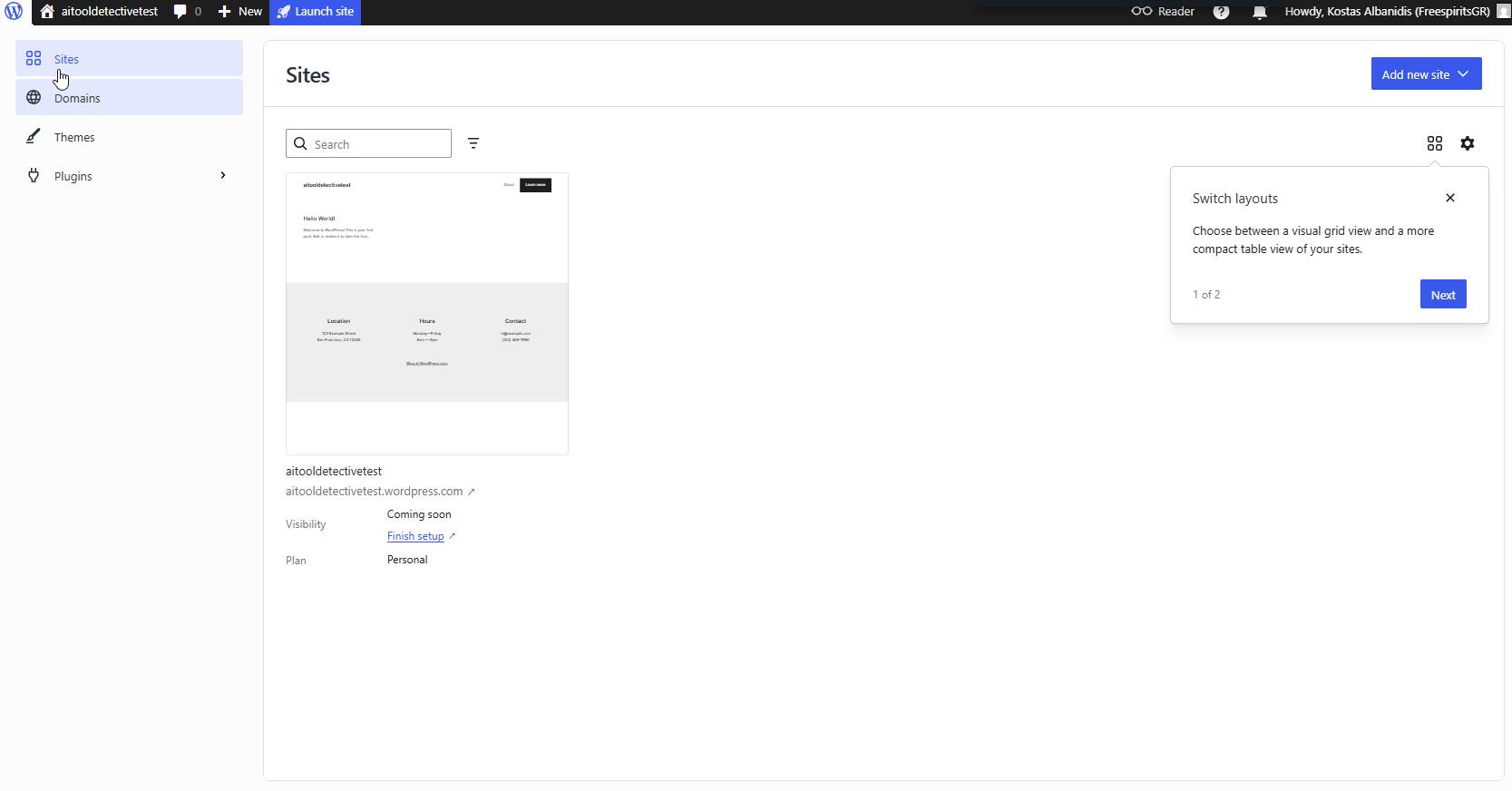
Here you can:
- Manage websites
- Review status
- Launch sites
- Access settings
Everything is centralized and easy to find.
Themes Marketplace
One area that impressed me was the Themes Marketplace.
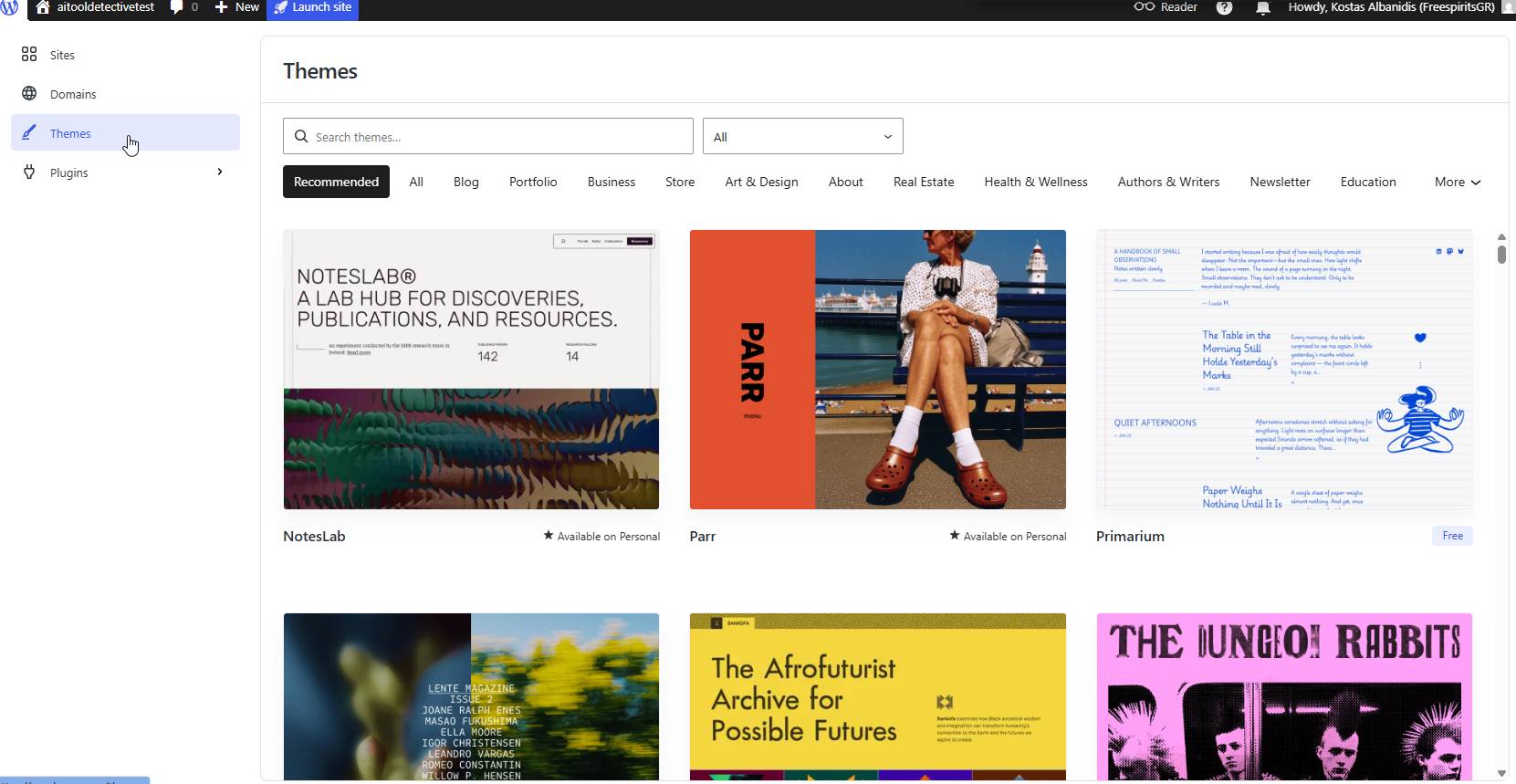
There are themes for:
- Blogs
- Business websites
- Portfolios
- Ecommerce stores
- Newsletters
- Real estate websites
The browsing experience is smooth and beginner-friendly.
Plugin Marketplace
The Plugin Marketplace was one of the most interesting sections I explored.
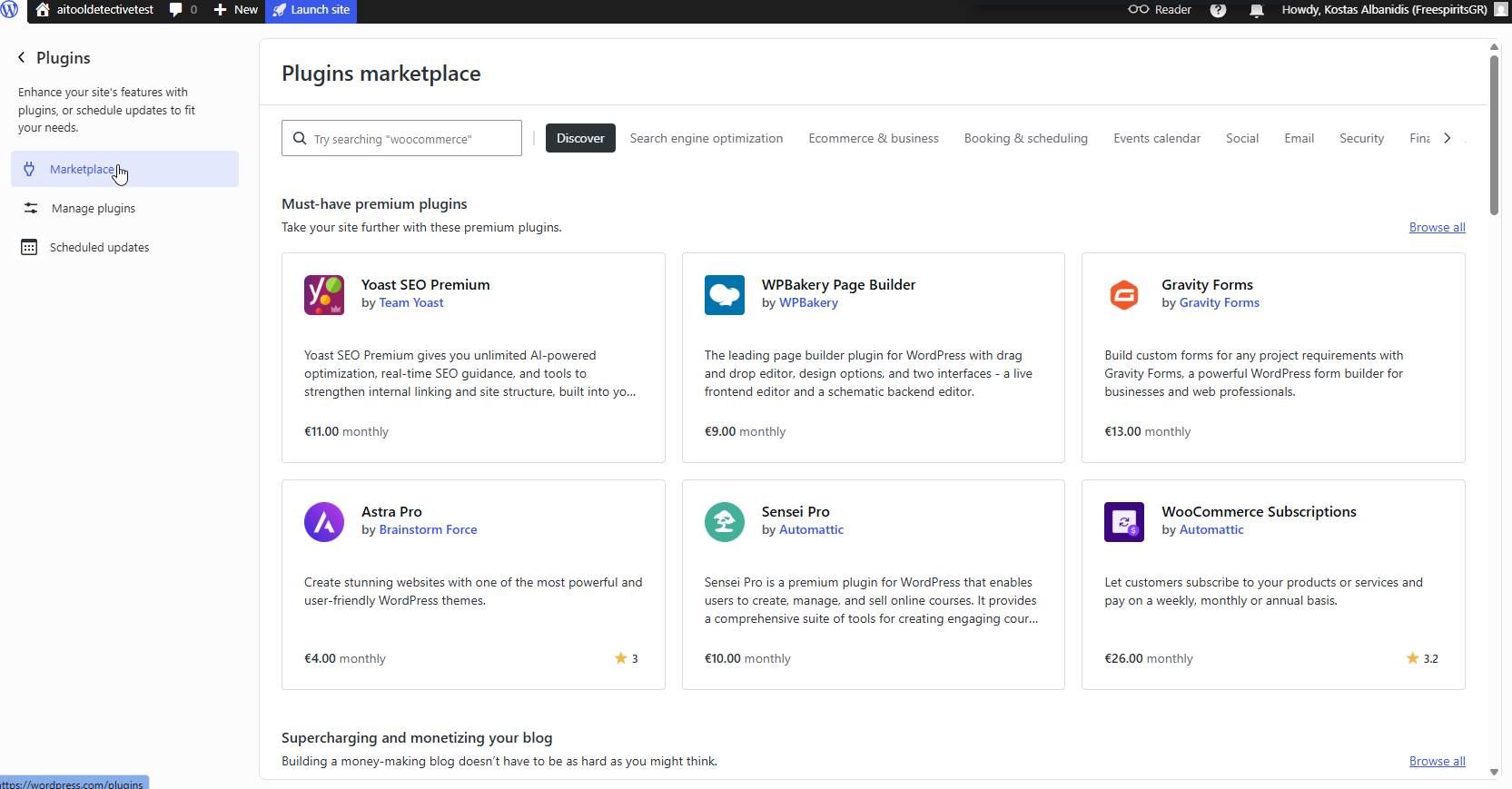
I found premium plugins including:
- Yoast SEO Premium
- Formes de gravité
- WPBakery
- Astra Pro
- WooCommerce Subscriptions
This shows how much WordPress.com has evolved over the years.
Security Features
Security is an area where WordPress.com performs very well.
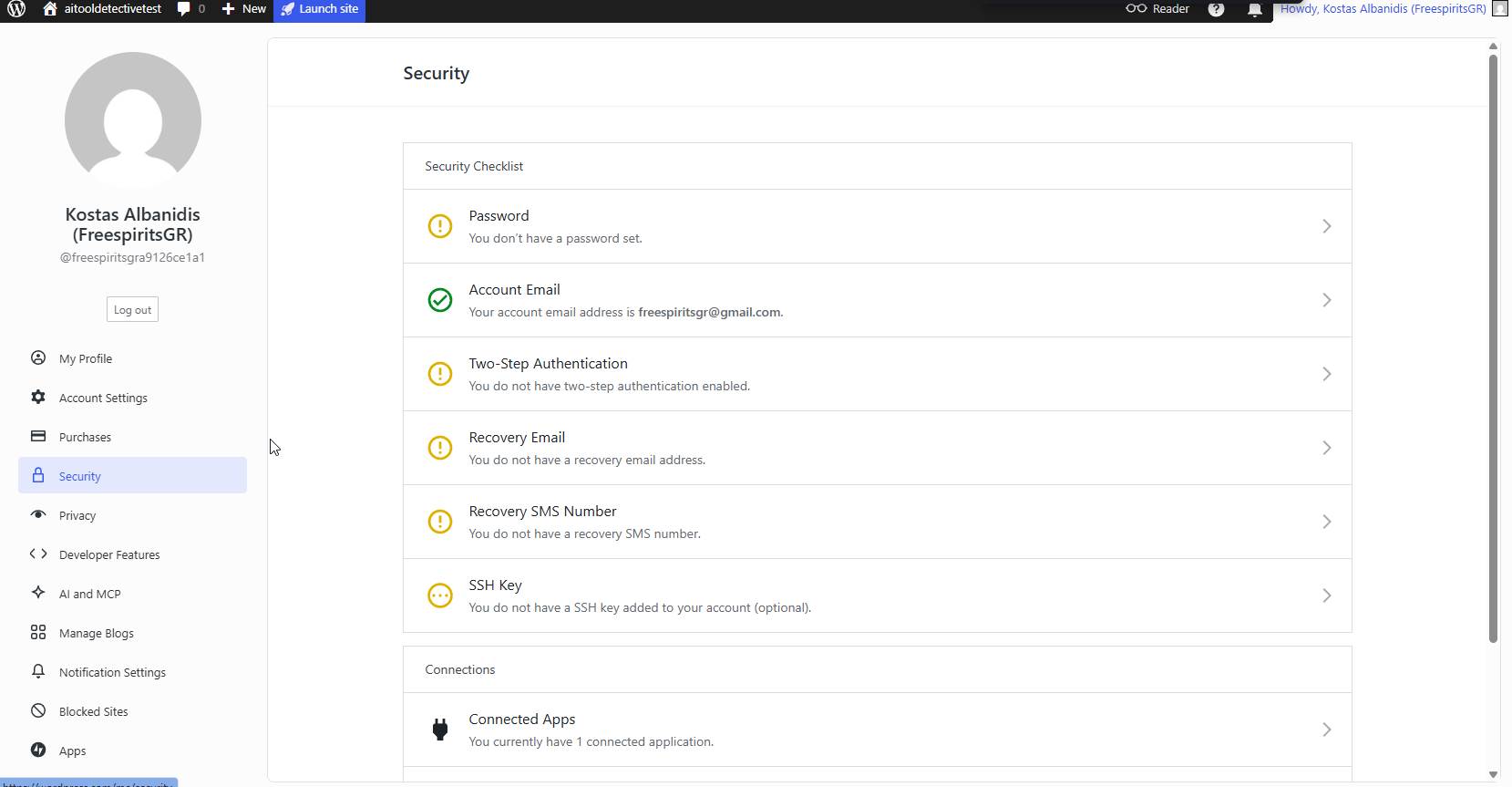
The platform includes:
- Account protection
- Recovery options
- Two-factor authentication
- Connected app management
For beginners, having these features built-in provides peace of mind.
Privacy Settings
Privacy controls are clearly explained and easy to manage.
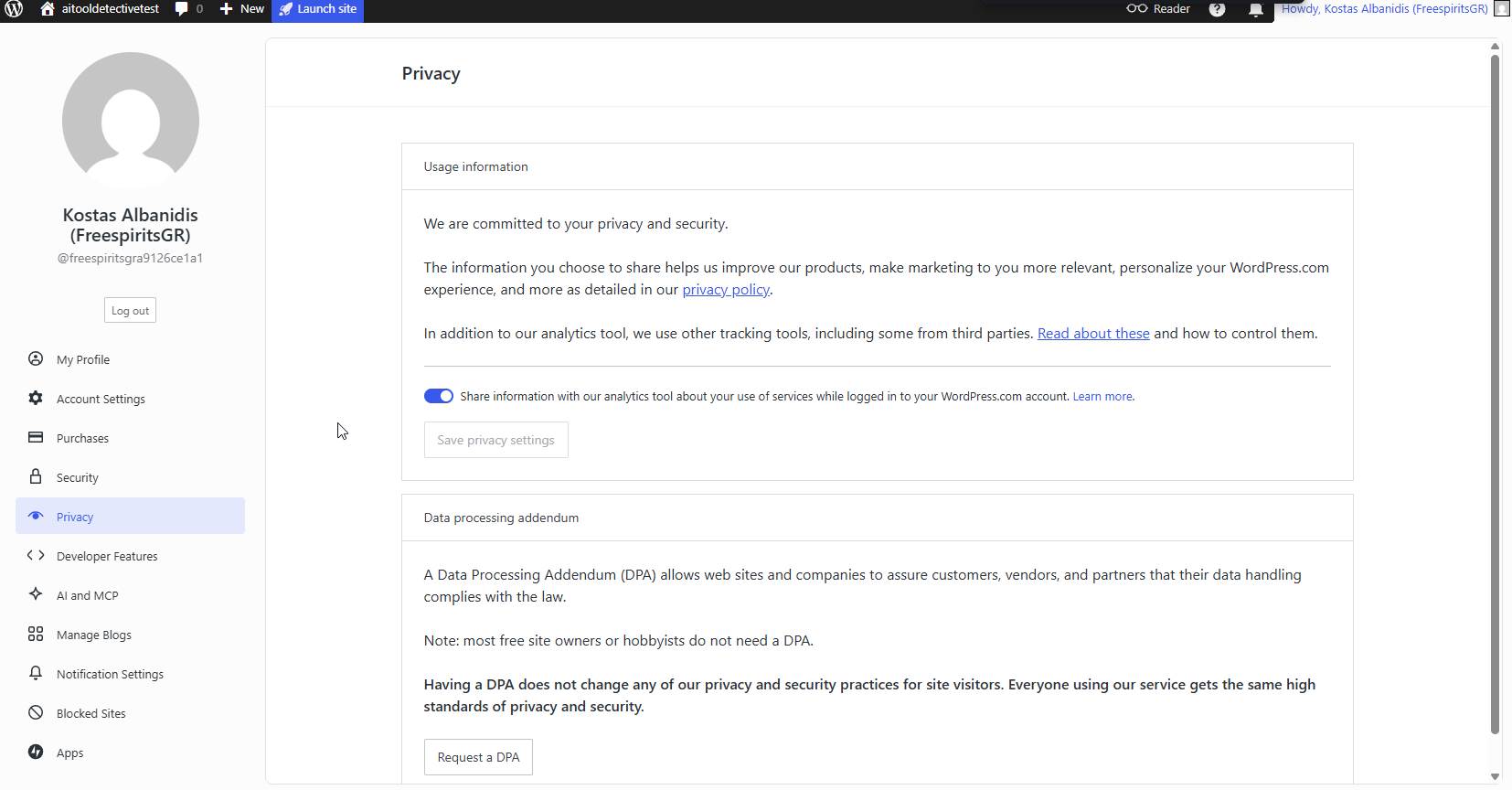
Users can control:
- Analytics sharing
- Privacy preferences
- Data processing settings
Transparency is always a positive sign.
Notification Settings
The notification system allows extensive customization.
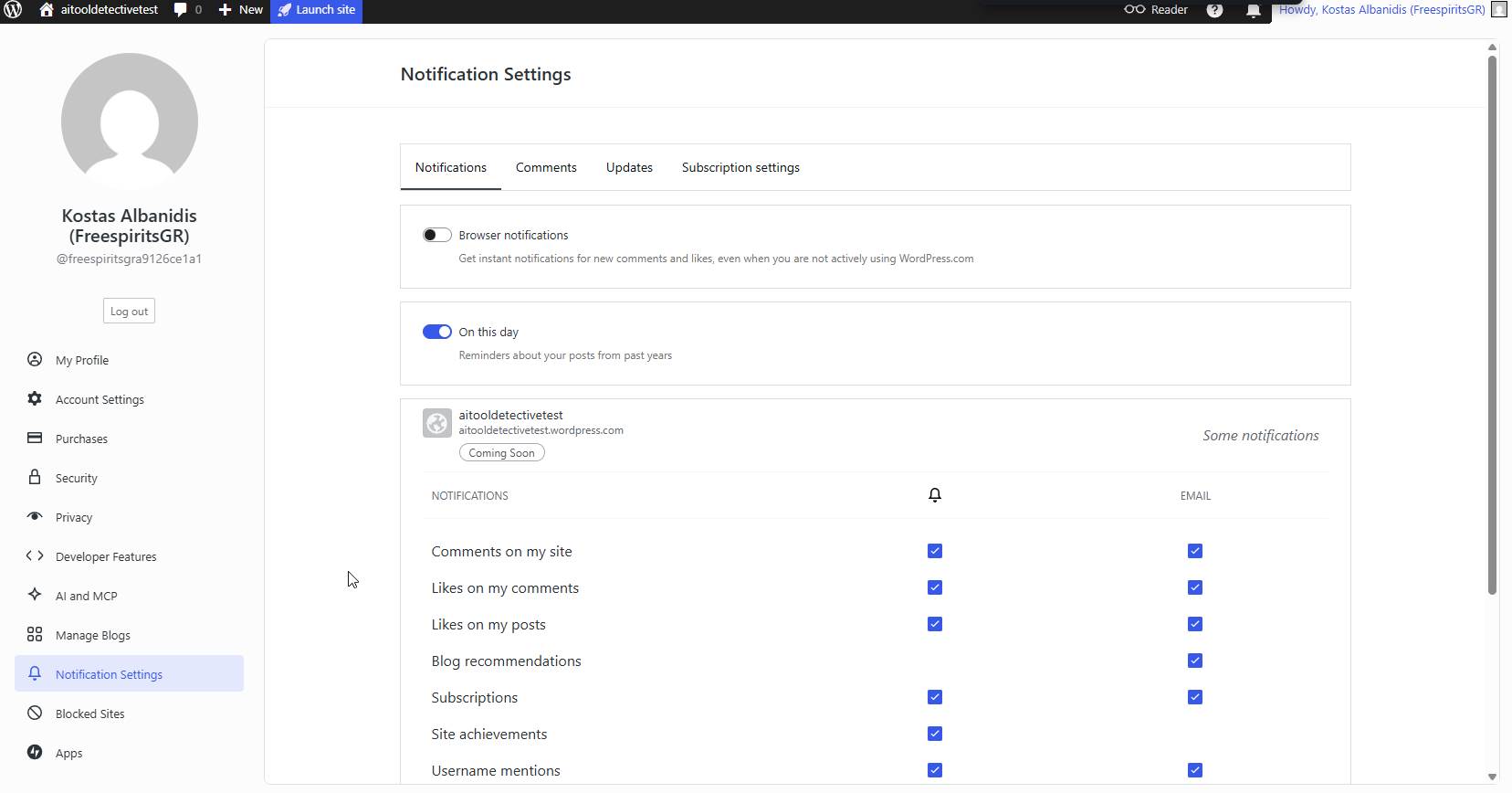
You can control alerts for:
- Comments
- Likes
- Subscriptions
- Mentions
- Recommandations
Developer Features
As a developer, I was especially interested in the Developer Features section.
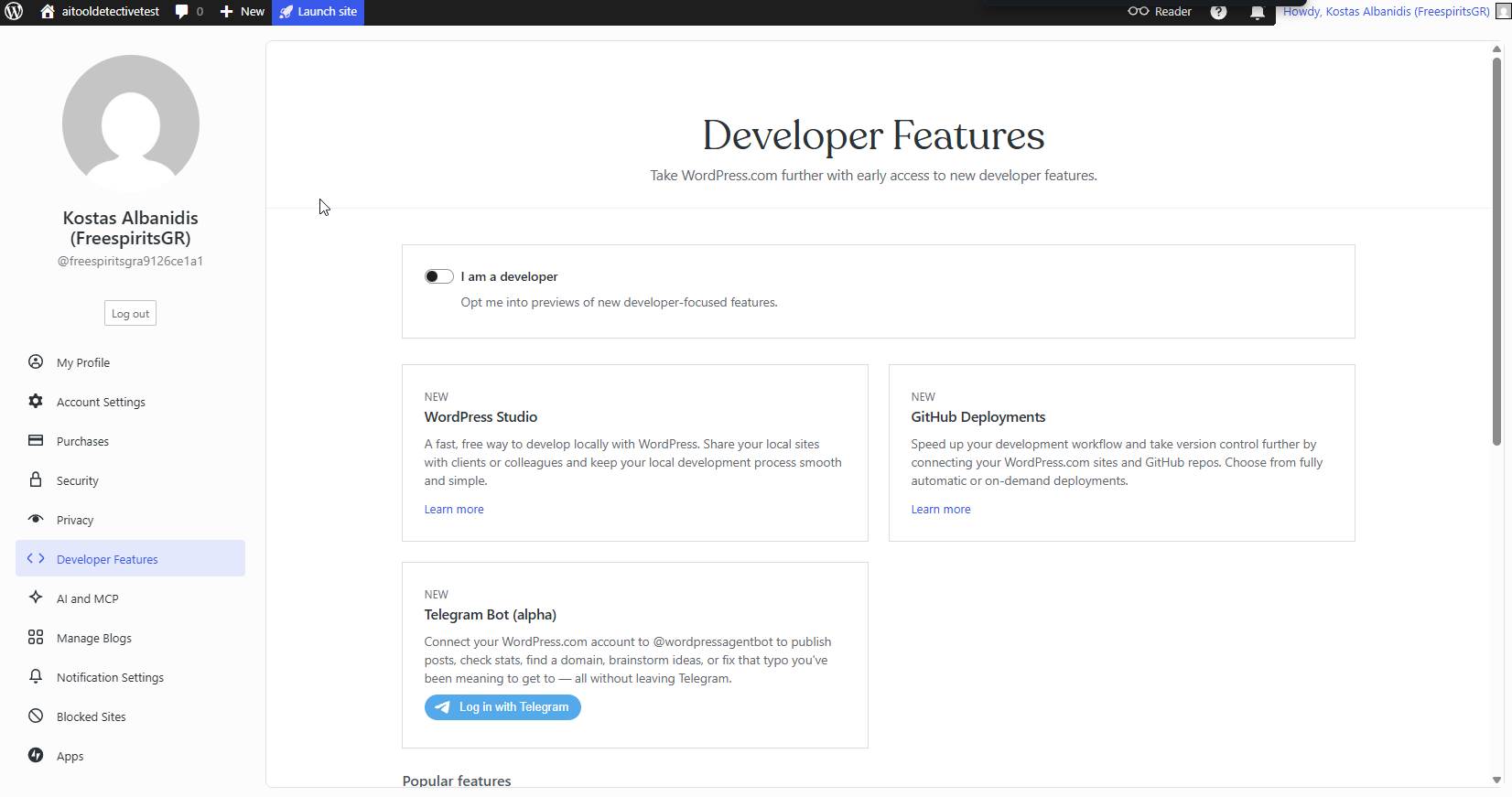
Les points forts sont les suivants :
- WordPress Studio
- GitHub Deployments
- Telegram Bot Integration
These tools suggest that WordPress.com is actively expanding its developer ecosystem.
AI and MCP Features
One of the newest sections I explored was AI and MCP.
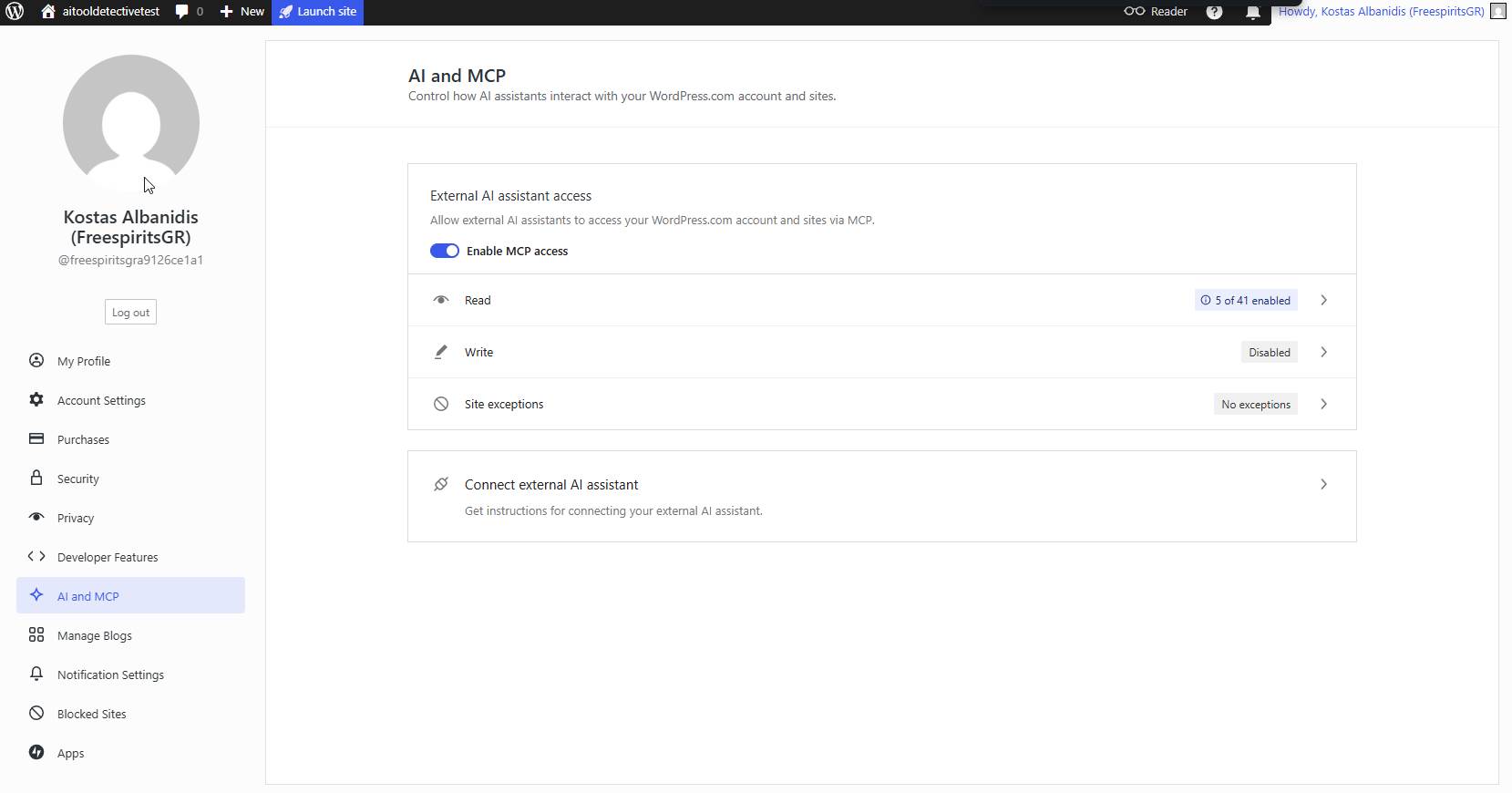
This allows external AI assistants to interact with websites through configurable permissions.
It’s one of the clearest signs that WordPress.com is preparing for AI-assisted workflows.
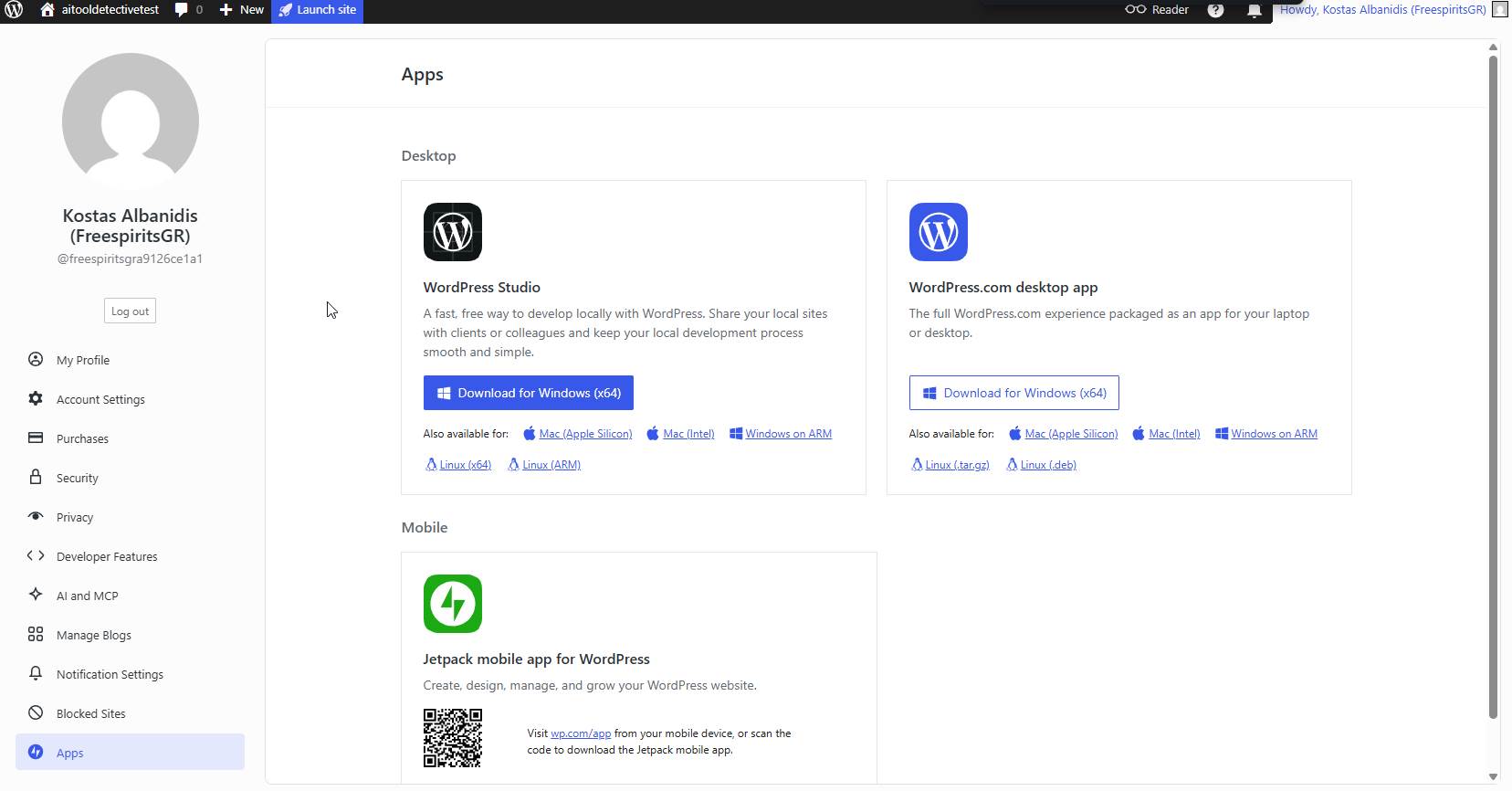
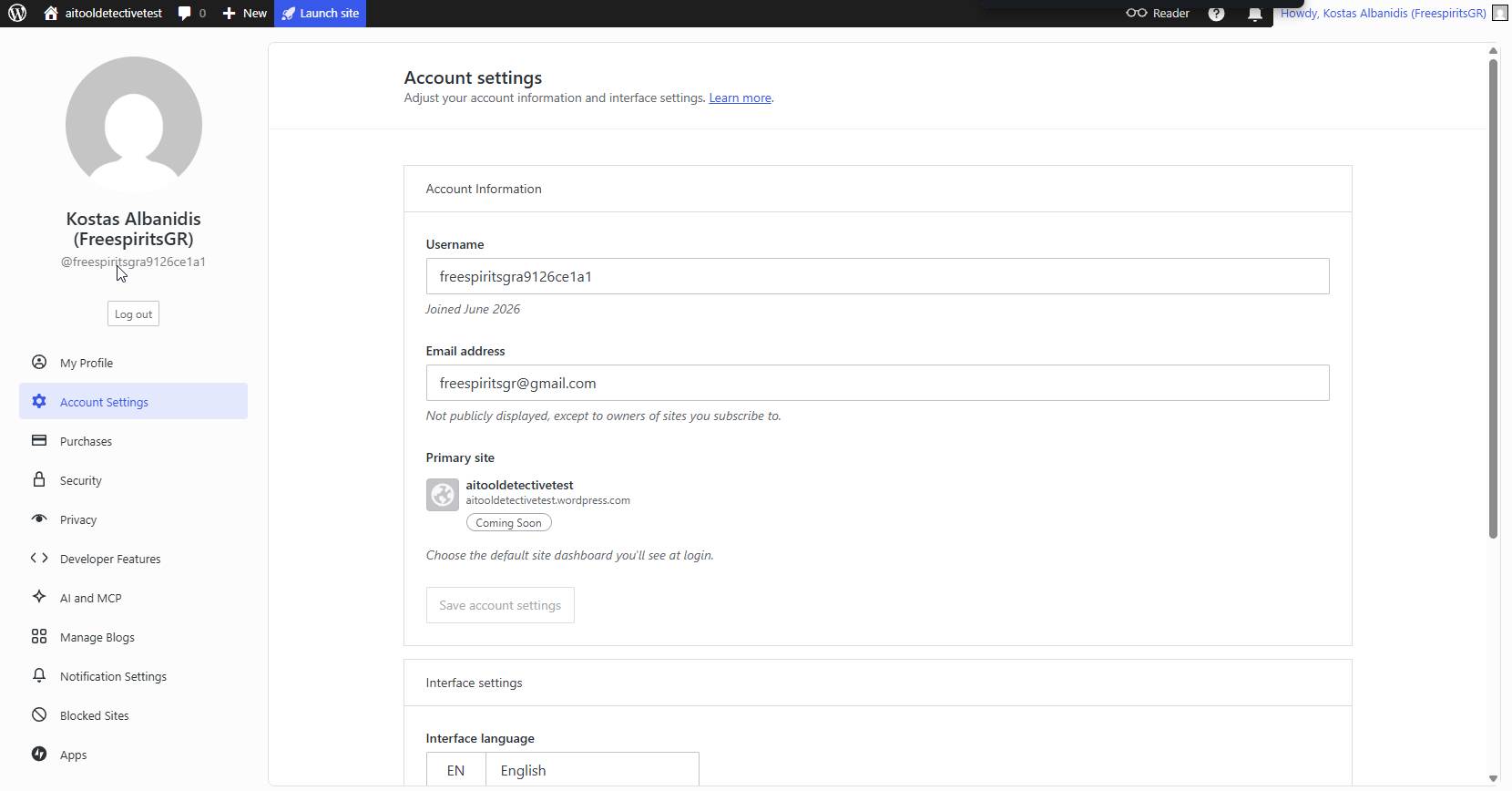
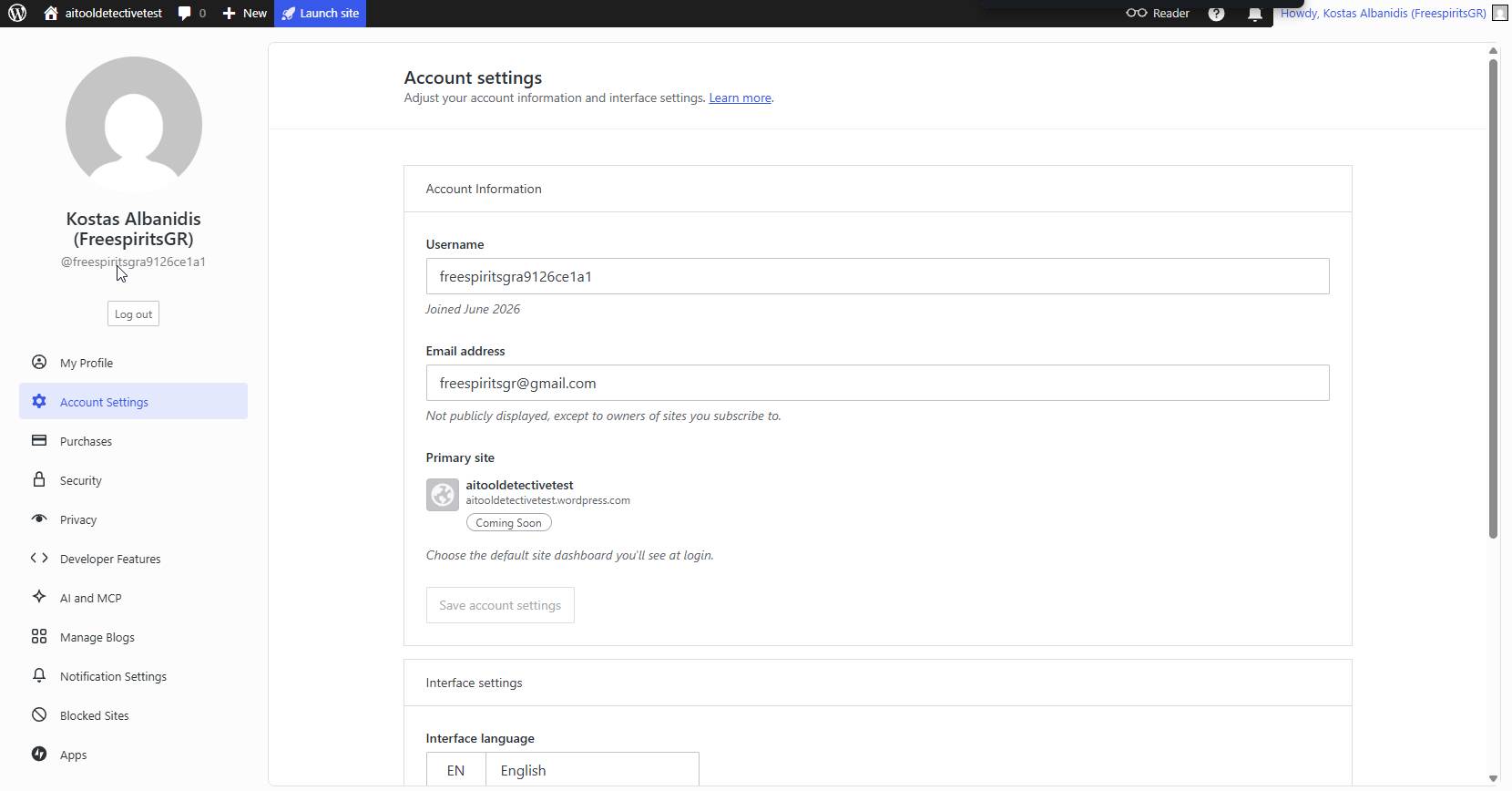
Account and Profile Management
The account management area is straightforward.
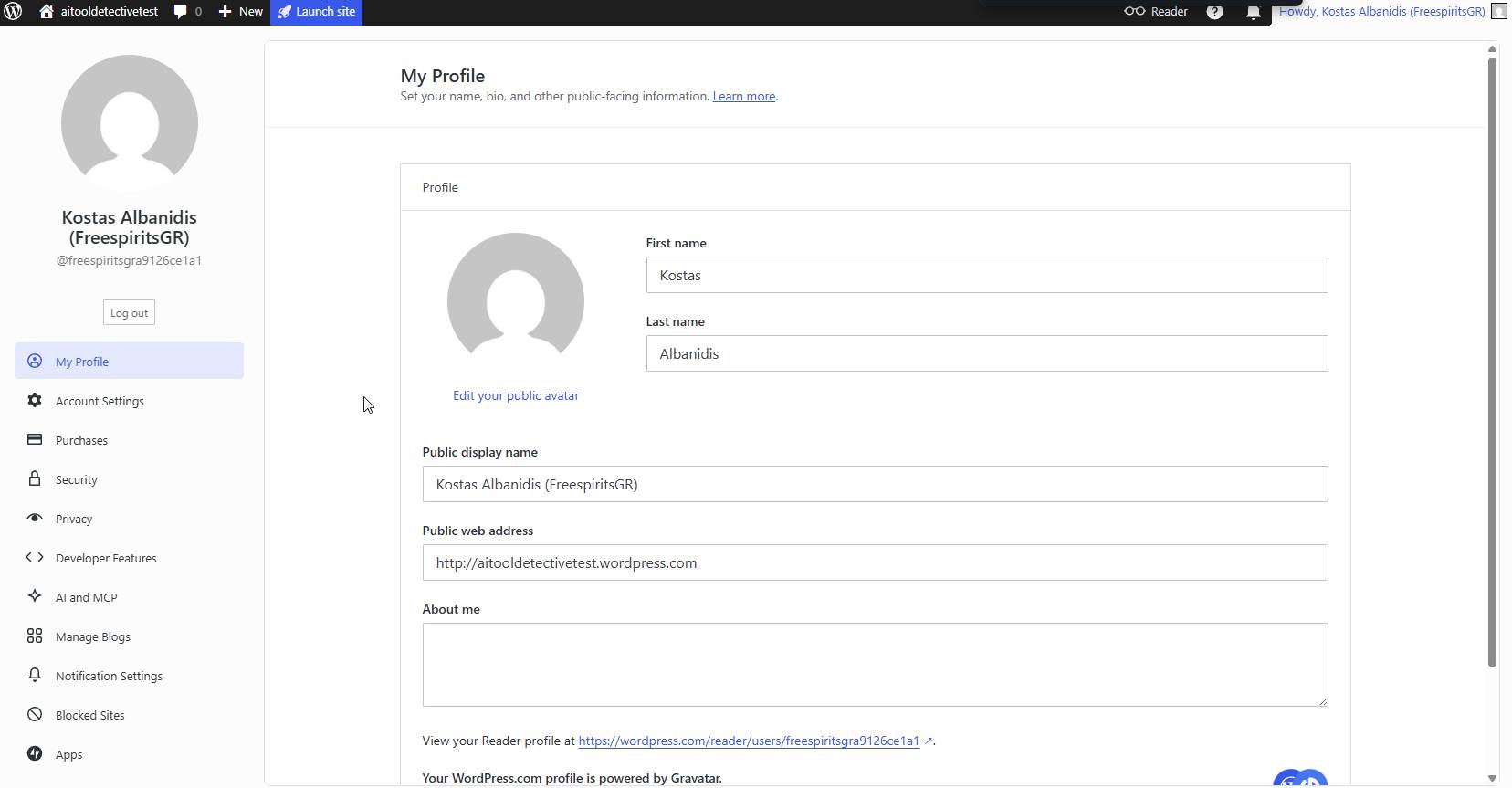
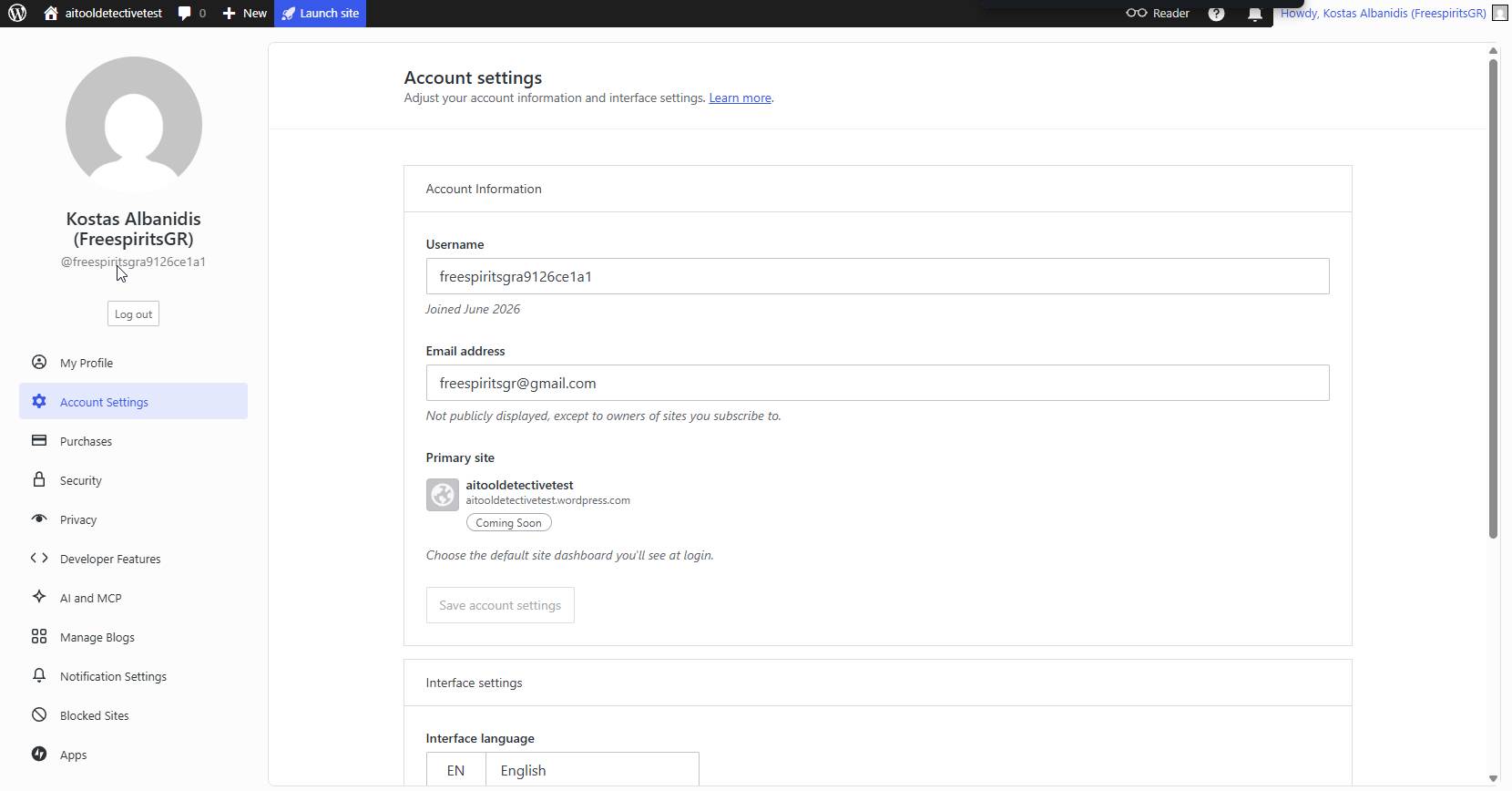
I appreciated how everything is organized in a single location.
What I Liked
✔ Easy setup
✔ Managed l'hébergement
✔ Professional themes
✔ Strong security
✔ Clean interface
✔ Long-term pricing discounts
✔ Growing AI and developer features
What I Didn’t Like
No platform is perfect.
Here are the main drawbacks I found:
- Free plan displays ads
- Plugin access requires higher plans
- Monthly pricing can become expensive
Qui doit utiliser WordPress.com?
Je recommanderais WordPress.com à :
- Blogueurs
- Small businesses
- Creators
- Entraîneurs
- Consultants
- Beginners who don’t want to manage l'hébergement
Verdict final
After spending several hours exploring the platform, reviewing the pricing structure, testing the dashboard, browsing themes, examining plugins, and evaluating security and AI features, I can confidently say that WordPress.com has matured into a complete website-building ecosystem.
While advanced developers may still prefer self-hosted WordPress, many users will appreciate the simplicity, security, and convenience that WordPress.com prévoit.
For anyone looking to launch a professional website without managing servers, updates, backups, and technical maintenance, WordPress.com is absolutely worth considering in 2026.